- Start & Build

Product Overview
What you can do with BigCommerce.
Agentic Commerce
 AI-powered solutions for growth.
Design Your Store
Build your store with or without code.
Apps & Integrations
Over 1,200 apps to help you grow.
Migrate to BigCommerce
Switch from Shopify, Woocommerce, Salesforce, Magento, and more.
- Launch Services
Overview
Chart your path to success with specialized services.Implementation Project Management
Experts to ensure you launch on time and under budget.Solution Architecture
Seasoned advisors to help you best design your store.Data Migration & Optimization
Expertise on a clean and clear path to migrating your data.Enterprise Launch Package
Personal training on how to set up and launch your BigCommerce Store.

Professional Services Blog Series
Get to know our teams and how they support your success in this Q&A series.

The Global B2B Buyer Behavior Report
This in-depth report provides actionable strategies to help you sell more online.
Multi-Language Storefronts Are Now Available on BigCommerce
Create your store and start selling today.
Create your new website.
See if the BigCommerce platform is a good fit for your business.
No credit card required.

Written by
Kristina Pototska08/21/2026
Multi-Language Storefronts Are Now Available on BigCommerce
Get The Print Version
Tired of scrolling? Download a PDF version for easier offline reading and sharing with coworkers.
A link to download the PDF will arrive in your inbox shortly.
Key highlights:
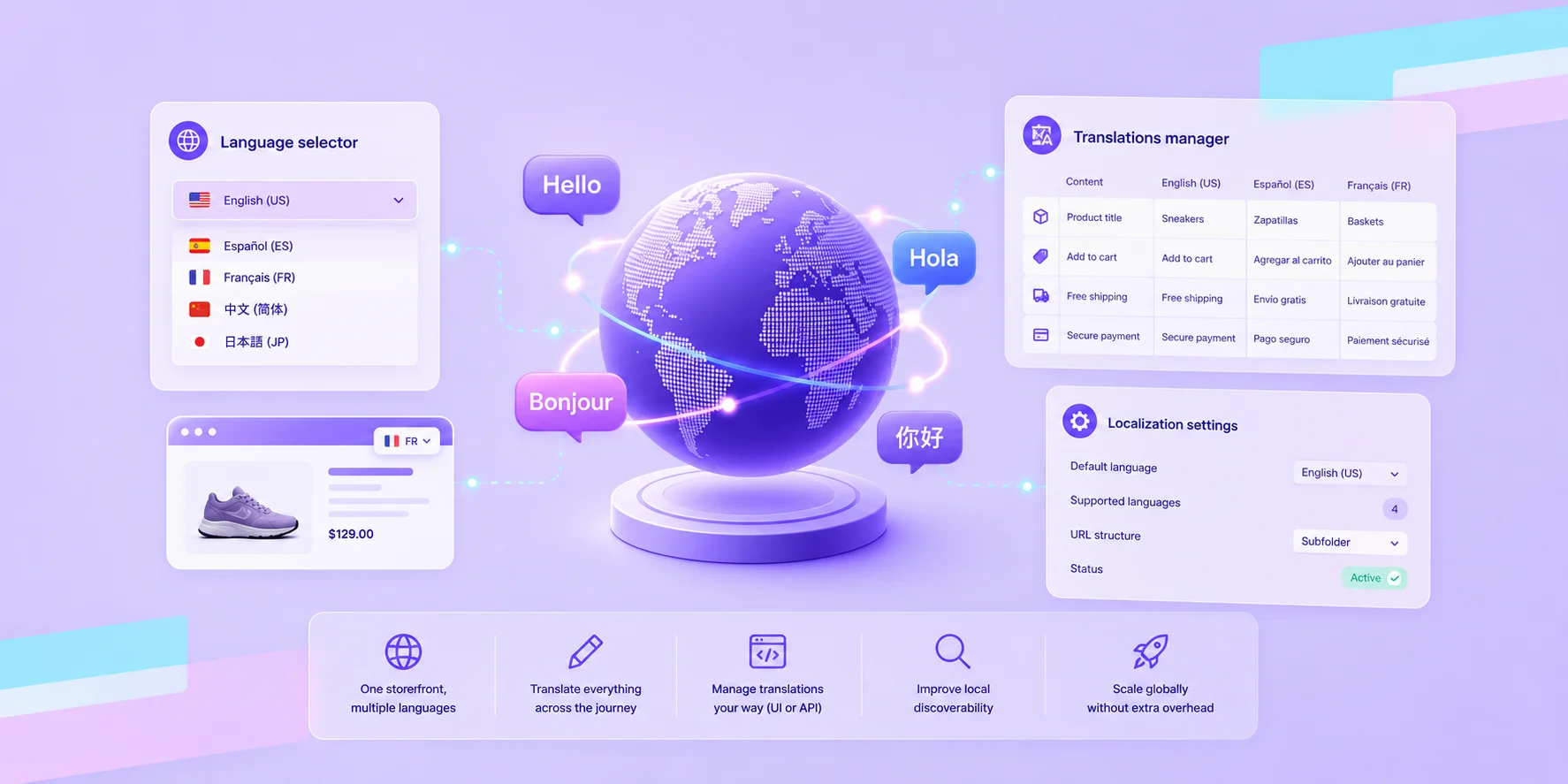
Manage multiple languages from a single storefront without duplicating your catalog or infrastructure.
Translate the full shopper journey, including products, checkout, and post-purchase communications.
Choose how translations are managed with built-in tools or APIs for scale.
Improve local discoverability with translated URLs and language-specific sitemaps.
Expand into new markets while keeping operations streamlined.
If you’re selling internationally — or planning to — language quickly becomes a core part of your storefront experience.
Today, we’re introducing native multi-language support on BigCommerce. It’s built to help you serve customers in different languages without adding complexity to how you run your store.
Built for how you scale
As you expand into new markets, supporting multiple languages becomes part of your day-to-day.
You’re updating products, launching campaigns, growing your catalog, and managing multiple regions at once. Language needs to fit naturally into those workflows.
Multi-language on BigCommerce is designed to work the same way — so you can localize your storefront without changing how your team operates or how your frontend is built.
One storefront, multiple languages
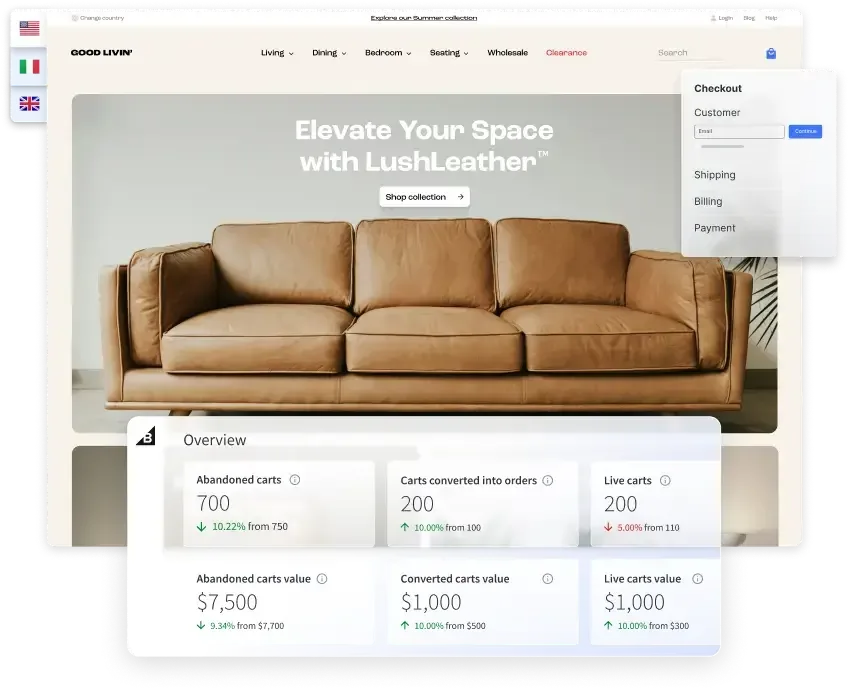
You can now run multiple languages from a single BigCommerce storefront.
That means:
You don’t need separate stores.
You don’t have to duplicate your catalog.
You can keep your existing frontend exactly as it is.
Everything stays in one place, while your customers see a storefront that feels local to them.
What you can do today
This release gives you everything you need to start selling in multiple languages right away.
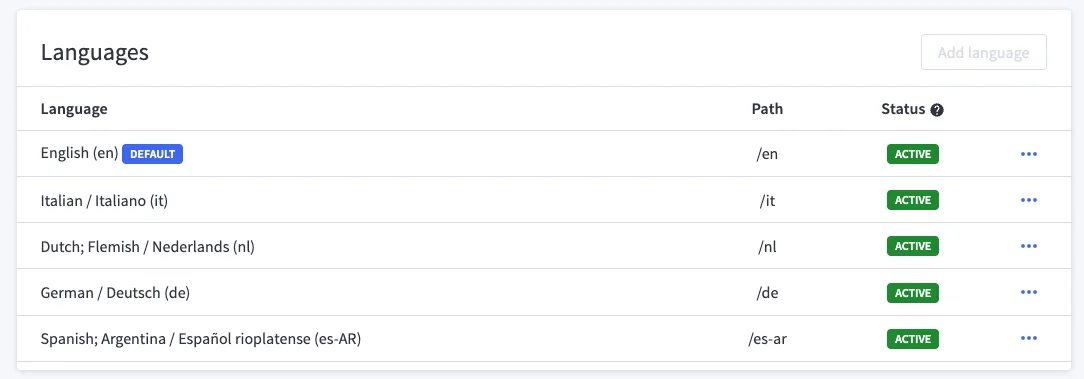
Add and manage languages.
You can set up multiple languages and locales for your storefront. Each one is automatically structured with its own URL, so your storefront stays organized as you grow.
Translate your full shopper experience.
You can translate all shopper-facing content, including:
Product details and SEO
Categories, brands, and navigation
Checkout, system messages, and forms
Shipping, payments, and taxes
Promotions, emails, and order updates
From first visit to checkout to post-purchase, you can localize the entire journey.
Manage translations your way.
You can use the built-in UI to add and edit translations directly in BigCommerce, or use the GraphQL API to manage translations at scale through your existing systems.
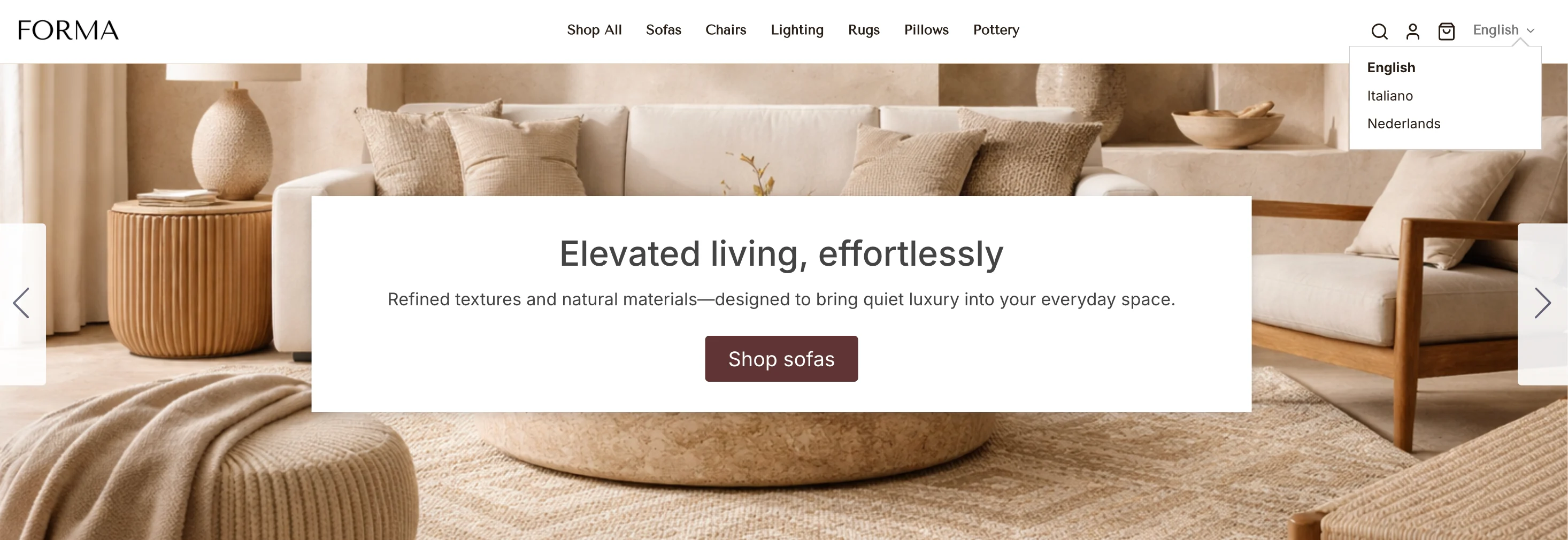
Let shoppers choose their language.
Your shoppers can switch between languages while browsing, with a fallback to your default language when needed.
Improve local discoverability.
You can create translated product URLs and benefit from language-specific sitemaps, helping your storefront show up more effectively in local search results.
Scale without extra overhead.
Language-specific subfolders are created automatically, so you don’t need to worry about structuring URLs or managing separate storefronts.
Who this is for
If you’re thinking about going global — or already are — this is built for you.
You’re expanding into new markets on Stencil.
You’re running (or planning) a headless or composable storefront.
You’re working with partners or building your own localization workflows.
If multi-language is part of your roadmap, this gives you a straightforward way to get started and scale.
What’s coming next
You’ll see continued improvements, including AI-assisted translations, and more flexibility in how you manage languages across your storefront.
How to get started
Getting started is simple.
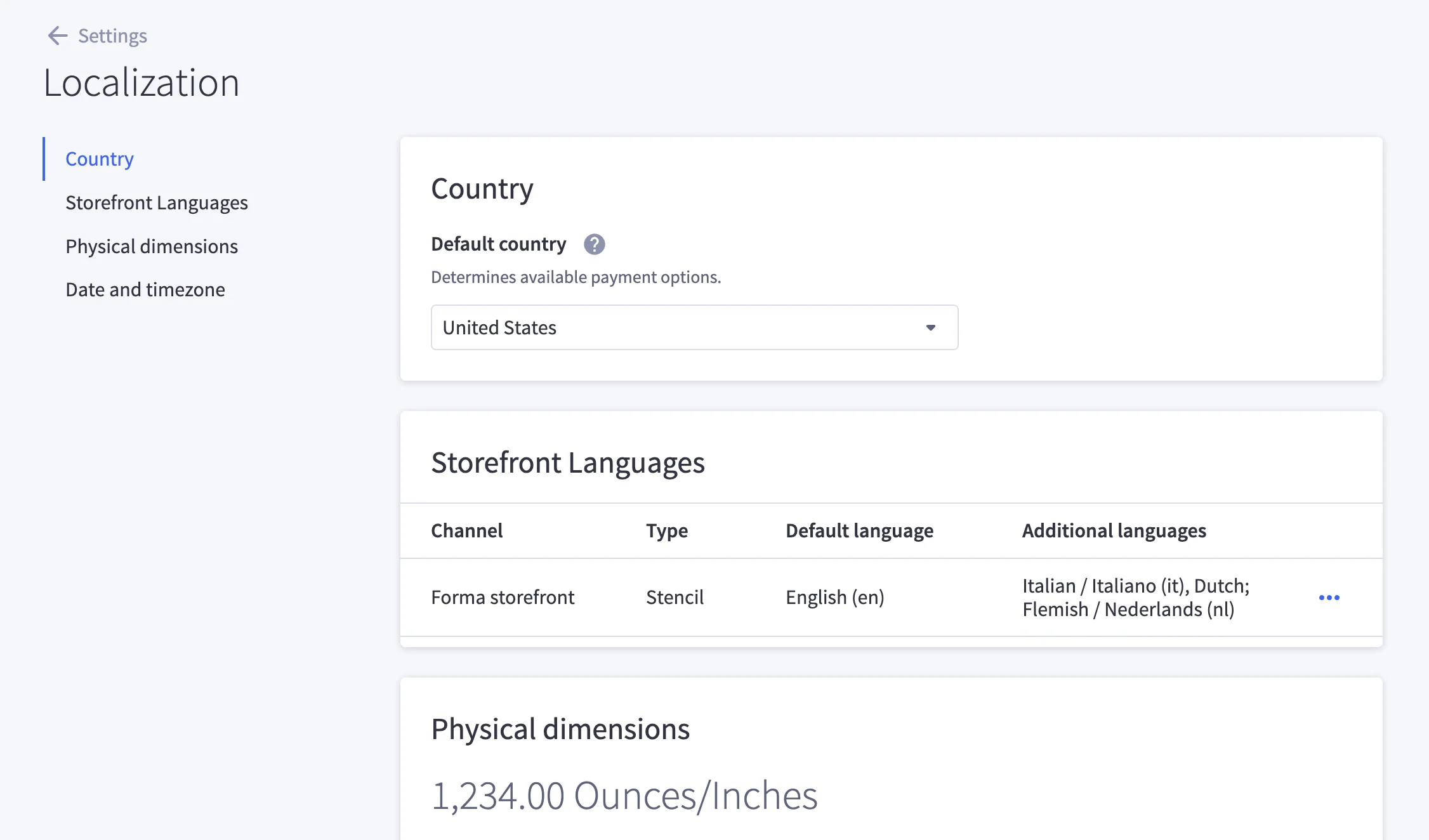
Go to the Localization section in your store settings and add the languages you want to support. As soon as you do, language-specific URL subfolders are created automatically, so each version of your storefront is ready to go.
Language selector is built into Catalyst and Stencil storefronts using themes based on the following versions (or newer):
Cornerstone 6.19.0
Capacity 6.1.0
Fortune 4.1.0
Merchant 6.1.0
Peak 5.1.0
If you’re running a custom headless storefront, you can build your own using the Storefront GraphQL API.
From there, you can start adding translations using the Translations Manager in the UI, or manage them programmatically through the GraphQL API, depending on how your team works.
Once you activate a language, it becomes available to your shoppers through the language selector, along with all the translated content you’ve added.
The final word
Selling across borders means meeting customers in their language, but that should not require rebuilding how your business operates.
Multi-language support on BigCommerce gives you a straightforward way to localize your storefront while keeping everything centralized. Your team can continue managing products, content, and operations in one place, while shoppers experience a storefront that feels relevant to them.
As you expand into new regions, this becomes part of your foundation. You can launch faster, stay organized, and scale your localization efforts without adding overhead.
Learn more about setting up languages in your store.
⏰ Isn't about time that you evaluated your ecommerce platform?
Request a demo to see how the BigCommerce platform is different.